New Project for the Web labels available in Power BI
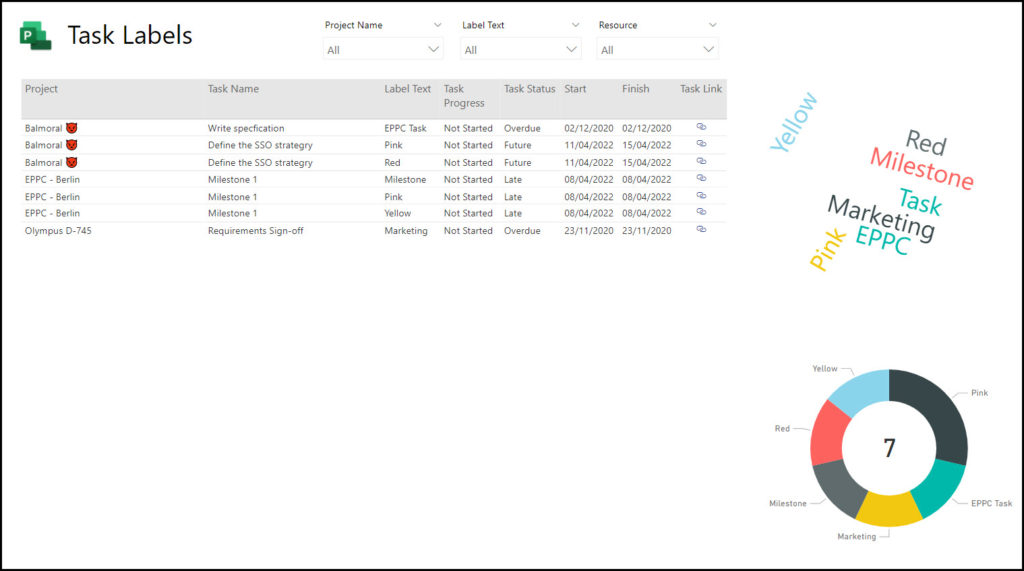
Use this Power BI template to report on Labels from you P4W projects.
Auto Calculate
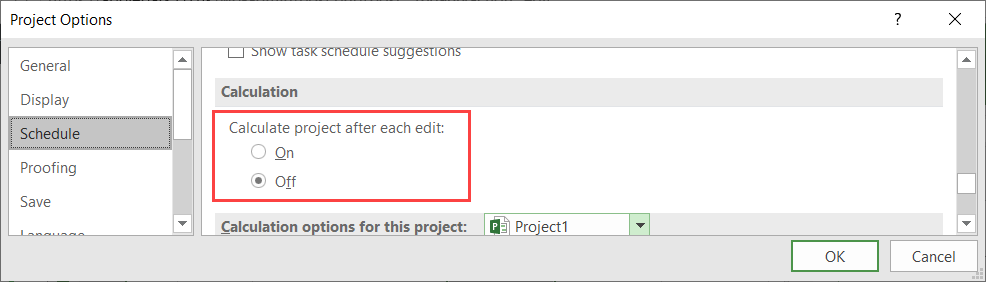
Recently one of my customers was having an issue with Project not “behaving”correctly. As I was demonstrating how Project works, he was doing the same but without anything updating on his project. I don’t often see this problem and so it took me 30 seconds or so to work it out. Here’s an example of […]
Managing Sprints in Project
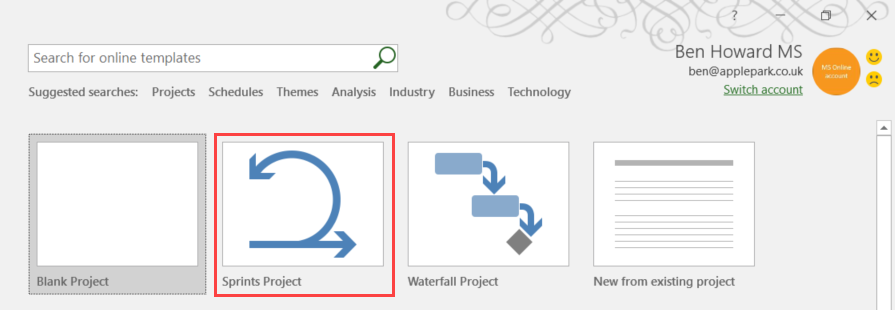
Introduction This is the second in a two part series covering the Agile capabilities of Microsoft Project. In the first article, we discussed Kanban boards. Now we will look at Microsoft’s Scrum implementation, or, to use the Microsoft terminology, Sprint Projects. What is a Sprint Project and a Sprint? A Sprint Project is a Microsoft […]
Using Row Level Security to Auto Filter your Power BI Reports
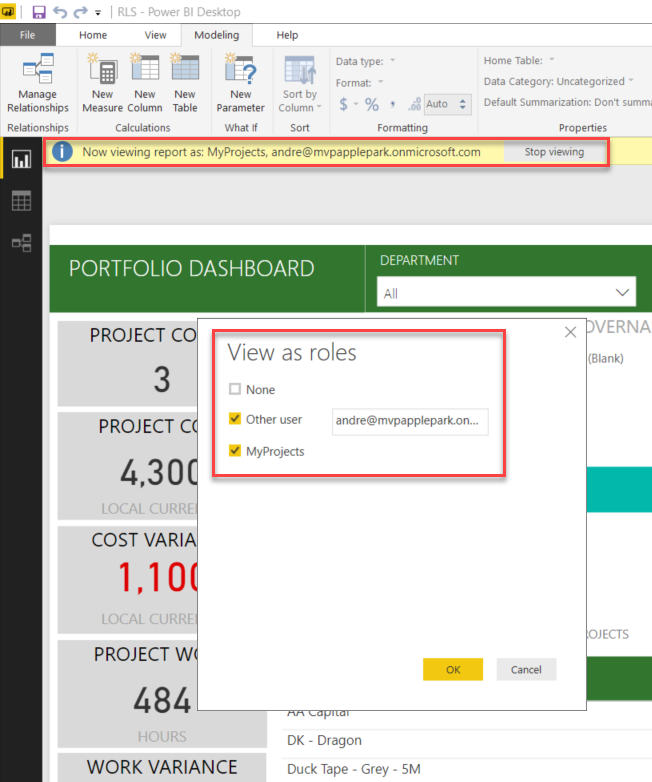
Without a doubt I think Power BI is one of the greatest tools Microsoft has released in the last few years, it truly has revolutionised and democratised data (oh no, I’m beginning to sound like a Microsoft employee). What I really meant to say is that it’s made accessing Project Server data really easy […]
Using Kanban Boards in Microsoft Project

Introduction There has been a lot written over the last year regarding Microsoft’s foray into the world of Agile Project Management by way of new improvements into Microsoft Project. This article provides an update based upon one of the latest versions, discusses what’s changed recently, and provides a walkthrough on setting up and using the […]
Modifying the Menus in Project

Modifying the Menus in Project Over the years I have run hundreds of training courses and one of the issues I often hear from people is the complexity of the ribbon, because there are simply too many icons, and people aren’t sure which ones to use at which stages during their project management process. Additionally […]
Project Server Work and Capacity graphs in Power BI
A lot of my work now revolves around producing Power BI reports using the Project Server oData feed (you can find my reporting pack for Project Server here) , and of course one of the main goals is to produce great looking work and capacity graphs, so let’s have a look at how to do […]
Resource work and capacity graphs in MS Project
A customer posed the challenge earlier this week of producing a work and capacity report using the Reports feature in MS Project. Using the existing Resource Overview Report I was happy with getting the total work per resource from the project, as this is already available as a graph on the Resource Overview report. You […]
Portfolios, Programs and #Projects: What’s the Difference? #PluralSight course released.
I’m happy to announce that my latest course “Portfolios, Programs and Projects: What’s the Difference?” has just been published at PluralSight It’s a really short course of 35 minutes in length, but gives some great examples of different project management terms, not just the 3Ps (portfolio, program, project). If you are confused about project management […]
When is a day not a day? #Project #MSProject
I’ve been meaning to write about Durations for a while, and was inspired to get a move on when I read fellow MVP and cousin Dales Howard’s blog on trusting the schedule. During every training session and Project Server consultancy engagement I always talk about hours, minutes, days and calendars, starting times and finishing times […]
New Projects always start on 12th October 2009 #MSProject
One of my customers recently commented that his projects always had a start date of 12th October 2009… After some investigation it became apparent that it was the way he was creating the project file. Most people will just open Project and a new file (by default Project1) is created, and when you press Save […]
How to calculate %Planned #Project #Project Server
One of my customers recently wanted to calculated %Planned for each task (and therefore each project). They had done a little research on the net but the formula they found didn’t work in Project Server, only MS Project. So what is %Planned? In it’s simplest form, %Planned = duration to date / duration * 100 […]
Editing Enterprise Calendars #ProjectOnline #ProjectClient #MicrosoftProject
Introduction Over the months and years I’ve seen a tonne of issues regarding the ability, or inability to edit Enterprise Calendars. I started a blog about this a while ago https://applepark.co.uk/issues-with-multiple-project-server-accounts/ which provides some troubleshooting issues. This blog is an update to that and I’ll try and keep it updated as I find out new […]
This might just save your life!
So perhaps the title of this blog is a little over the top, but I had a customer recently who needed help when their .mpp file became corrupt due to a VPN issue (I think the file was left open on the file server when the VPN link was terminated)! We couldn’t easily fix the […]
How to automatically change the colour of a task name
This requirement came from a customer more as a general query rather than a full demand, but I thought it should be an interesting enough problem to invest some time in. Changing the font, colour, or any of the other options available under Format | Text Styles can only be done automatically for a certain […]
Displaying the Day count for a task
A customer on a recent training course asked if how he could create a view that didn’t display dates, but rather showed the day number from the project start date, that each task started on. Depending on whether you want to include working days or not, the formula is different; for example, assuming the project […]
Automatically setting the task Publish field to No
If you’re using assignments for team members, you’ll have noticed that completed assignments still appear on the My Tasks page, even when the resource has updated the task and the task is 100% complete. This causes confusion for resources, and consternation for clients in general. Completed assignments disappear after the pre-requisite number of days (30 […]
Project Professional Crashes on connection to Project Server
Several weeks ago a customer of mine was getting a fatal error with Project Professional 2007 when connecting to the server. This was only happening on a single machine, and the usual re-installs/repairs didn’t fix a thing. It so happened that the security settings where set to Very High (tools|macro|security), and resetting this to Medium […]
Changing the Project Manager
During the lifetime of a project it is sometimes necessary to change the Project Manager (due to a leave of absence). The process to do this has changed between 2003 and 2007. There are three areas to be concerned with 1. Changing the Project Manager; Changing the status manager; replacing any PM resources. Before you […]